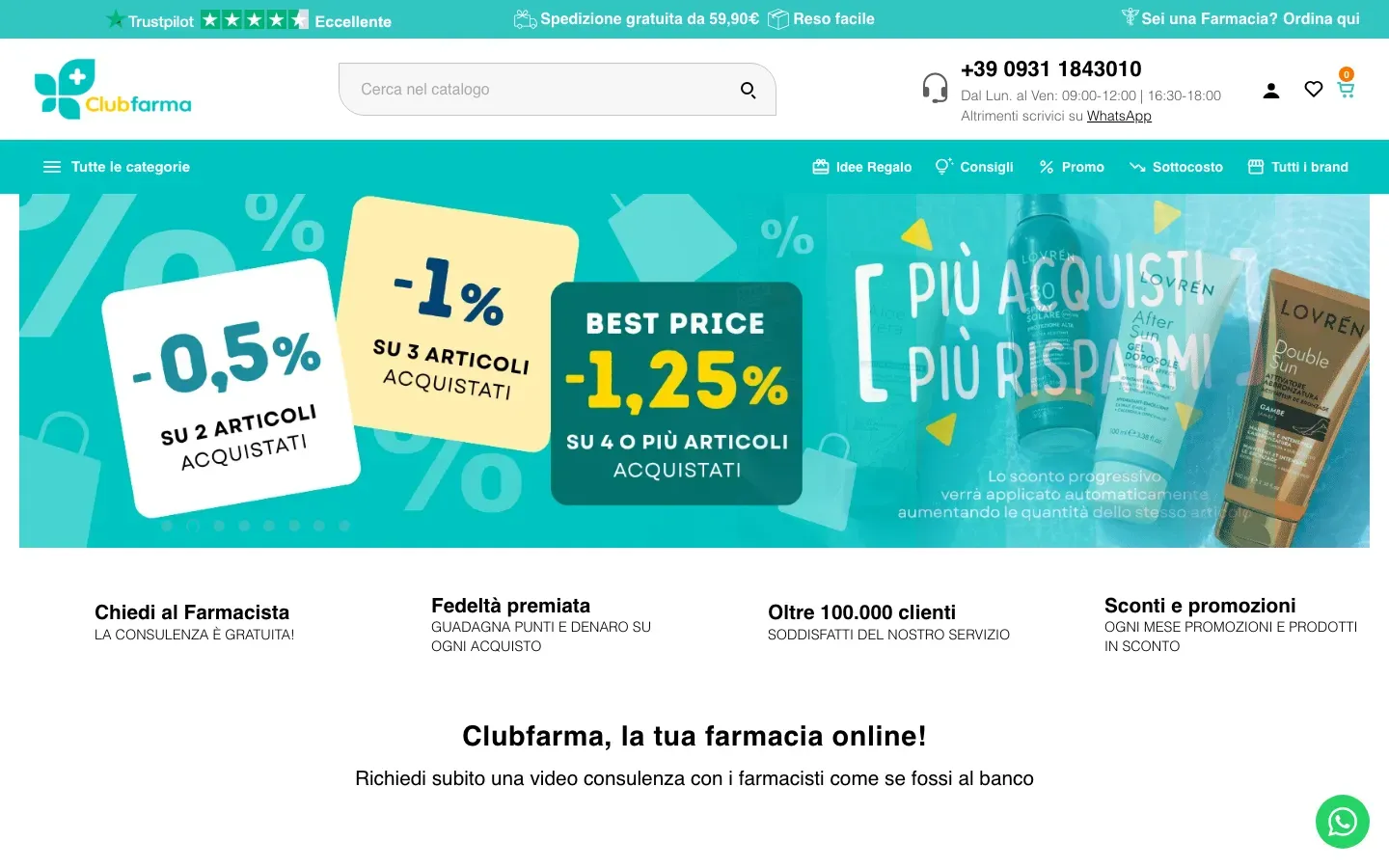
Clubfarma
An online pharmacy and parapharmacy with a catalogue of tens of thousands of products.
Visit the site of Clubfarma, clubfarma.it (opens in a new tab)prestashop 9 migration
Flag Agency moves your shop from PrestaShop 1.7 or 8 to PrestaShop 9 with a clear, fixed quote agreed before we start. Your shop keeps selling until the switch-over.
We’ve got your request for a migration check-up. We reply within 24 hours.
In a hurry? Message us on WhatsApp.
Free check-up · No commitment · We reply within 24 hours
why now
Then your shop runs on software and a PHP version that no longer get security updates, and the new rules for selling online are harder to meet.
PrestaShop 1.7 is out of maintenance. Security fixes ended when PrestaShop 9 came out, on 10 June 2025. The last release, 1.7.8.11, dates from 2 January 2024.
PHP is out of support. PrestaShop 1.7 only runs on PHP 7, and the last PHP 7 version (7.4) has had no security updates since 28 November 2022.
New modules look ahead. Our own modules for the cookie banner, online withdrawal and Omnibus, for example, only run on PrestaShop 9.
The new rules. Since 28 June 2025 the European Accessibility Act requires accessible online shops for businesses selling to consumers (micro-enterprises are exempt). Since 2023 every discount must show the lowest price of the previous 30 days (Omnibus), and since 19 June 2026 an online withdrawal button is required.
PrestaShop 8.2 still gets fixes, but it runs on PHP 8.1 at most, which has had no security updates since 31 December 2025. PrestaShop 9.1 runs on PHP 8.1 to 8.5.
Upgrading in place means carrying over years-old themes, modules and code changes. If your shop has many of them, a fresh PrestaShop 9 install plus a copy of the data is the better choice: you start clean and bring what matters, namely catalogue, customers and order history. Before the quote we tell you which route suits your shop.
Flag Agency is a PrestaShop web agency in Frattamaggiore (Naples, Italy) with more than 250 online shops built: we do the migration ourselves, from the check-up to support after the switch-over.
everyone asks
Very little, if the migration is planned before anyone touches the shop. Here are the four worries we hear most, with our answers.
No, as long as every page keeps its URL or has a 301 redirect to the new one. The copy keeps product and category IDs, so URLs can stay the same; where they change, we set up a 301 redirect for each one, one by one. We check Google Search Console before and after the switch-over.
No: we copy customers with addresses and passwords, and orders with invoices, payments, credit slips and returns, with the same order numbers. The full list is below, along with what the automatic copy doesn’t bring.
No. We prepare PrestaShop 9 on a test copy while your old shop keeps selling. We do the switch-over at night, when traffic is lowest, and it takes a few hours: meanwhile the old shop shows a maintenance page, so no order gets left behind.
You know before we start: after the free check-up we send you a clear, fixed quote. We only begin once you say yes.
how we work
In five steps, and your old shop stays online until the very end.
You leave us your shop address and we analyse its public pages. You get a personal web page with the PrestaShop version we detected, a score out of 100, the 3 things to fix first and every check to sort out, explained in plain words. Then, if you like, we talk it through in a 15-minute call, migration included.
We send you a clear, fixed quote, agreed before we start. We only begin once you say yes.
We install PrestaShop 9 and copy your data into it. Your old shop keeps selling: our module only reads it, without changing anything.
We test products, cart, payments, customer accounts and orders. Then you check them too, and we fix whatever isn’t right.
At night, in a few hours, we move your shop to PrestaShop 9, with the old shop in maintenance mode. Then you get 1 month of support: we check orders, payments and Search Console, and we’re here for any question.
what you get
An up-to-date shop, ready for the new rules: PrestaShop 9 as the base and Flag Theme, our PrestaShop 9 theme, with the features you need to sell in Italy. Flag Theme is included in the migration quote: you don’t pay for it separately.
what we migrate
Everything you need to keep selling, with the same IDs. From PrestaShop 1.7 and 8 we copy it with Shop Migrator, our migration module.
Customer passwords stay valid. Those stored in the oldest format stay valid if we choose to transfer the old shop’s key; otherwise those customers use “Forgot your password”.
And reviews? Those collected with external review services stay where they are: the service reconnects to the new shop.
We tell you up front, so there are no surprises:
work
These PrestaShop online shops went through a migration done by Flag, and our clients let us mention them.
An online pharmacy and parapharmacy with a catalogue of tens of thousands of products.
Visit the site of Clubfarma, clubfarma.it (opens in a new tab)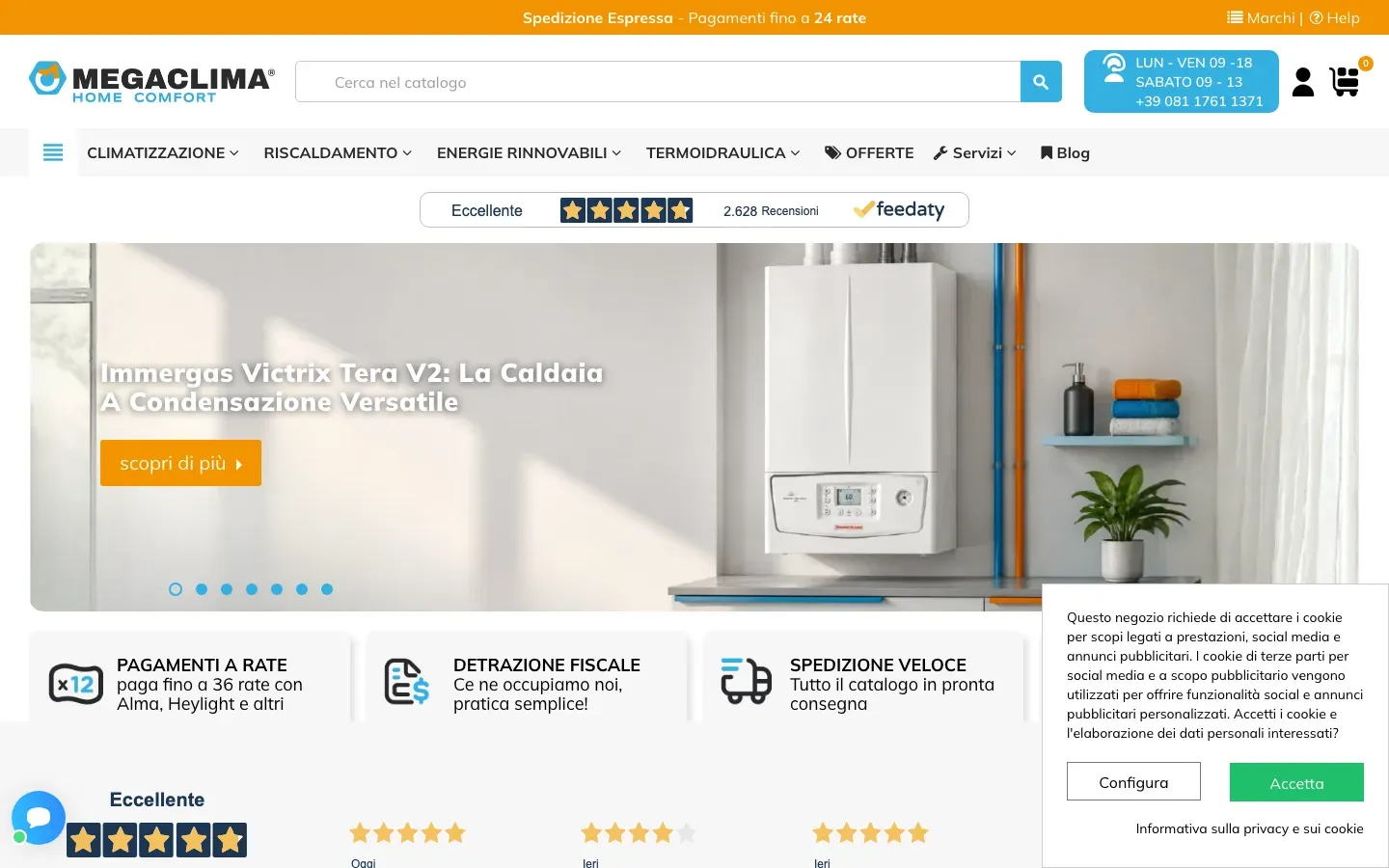
Online shop for boilers, air conditioners and plumbing and heating products, with a catalogue of thousands of items and payment in instalments. It also has a version for the French market, megaclima.fr.
Visit the site of Megaclima, megaclima.it (opens in a new tab)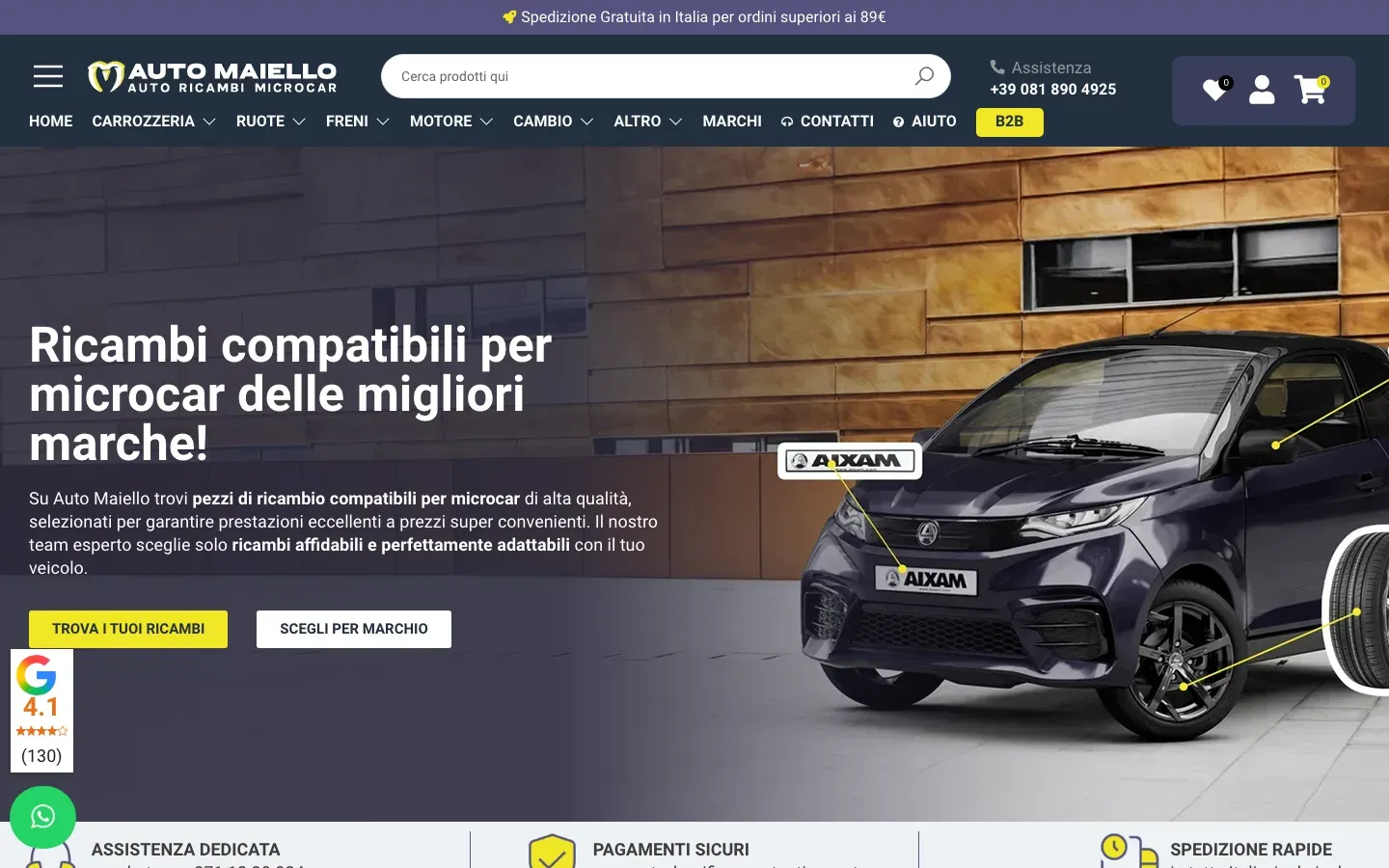
A catalogue of microcar spare parts with thousands of items, organised in a deep category tree (bodywork, seals, components), and an area for B2B customers.
Visit the site of Auto Maiello · Ricambi Microcar, ricambimicrocar.automaiello.com (opens in a new tab)faq
A personal web page with what we found on your shop, analysing only its public pages: the PrestaShop version we detected, a score out of 100 from the automatic checks, the 3 things to fix first in order of impact on sales, and every failed check, grouped by area (security, smartphones, speed, SEO, accessibility, legal requirements, contact options). There are no prices: if you like, we talk it through in a 15-minute call, migration included.
It depends on the module: data and settings of third-party modules aren’t copied automatically. Before the quote we list the modules you use and, for each one, tell you whether there’s a PrestaShop 9 version, whether a feature already included in Flag Theme replaces it, or whether you need a custom module. It all goes into the quote, before we start.
You move to Flag Theme, our PrestaShop 9 theme, with your shop’s colours and logo, and it’s included in the migration quote: you don’t pay for it separately. 1.7 and 8 themes need checking one by one on PrestaShop 9: if you want to keep your current look, we check whether that’s possible before the quote.
Yes, if the connection also exists for PrestaShop 9. We’ve already connected management software such as Mexal, Danea and Fatture in Cloud, and others, to PrestaShop. Before the quote we look at how your management software talks to the shop today (a module, a file or a custom connection) and tell you whether updating it is enough or a new one is needed. Any work needed is already in the fixed quote.
Usually 3 weeks, from the check-up to the switch-over. It depends on how many products, orders, images and modules your shop has: we put the timings in writing in the quote, with the date of each phase, before we start. The actual switch-over happens at night and takes a few hours.
We don’t touch your old shop: our module only reads it, so it stays as it was until you decide to switch it off. On the new shop, before copying the data, the module creates a restore point: if something isn’t right, we put it back as it was and start again. And after the switch-over you get 1 month of support.
let’s start
Leave us your shop address and an email: we send you the free check-up, a personal web page with what we found, and then a clear, fixed quote.
Rather send a message? Message us on WhatsApp (opens WhatsApp)
We’ve got your request for a migration check-up. We reply within 24 hours.
In a hurry? Message us on WhatsApp.